
Honeywell T6 Pro Thermostat: Complete Condo Setup & Troubleshooting Guide
Learn how to set up and troubleshoot your Honeywell T6 Pro thermostat in Toronto condos for optimal cooling this summer.
- Hudson HVAC
- 4 min read
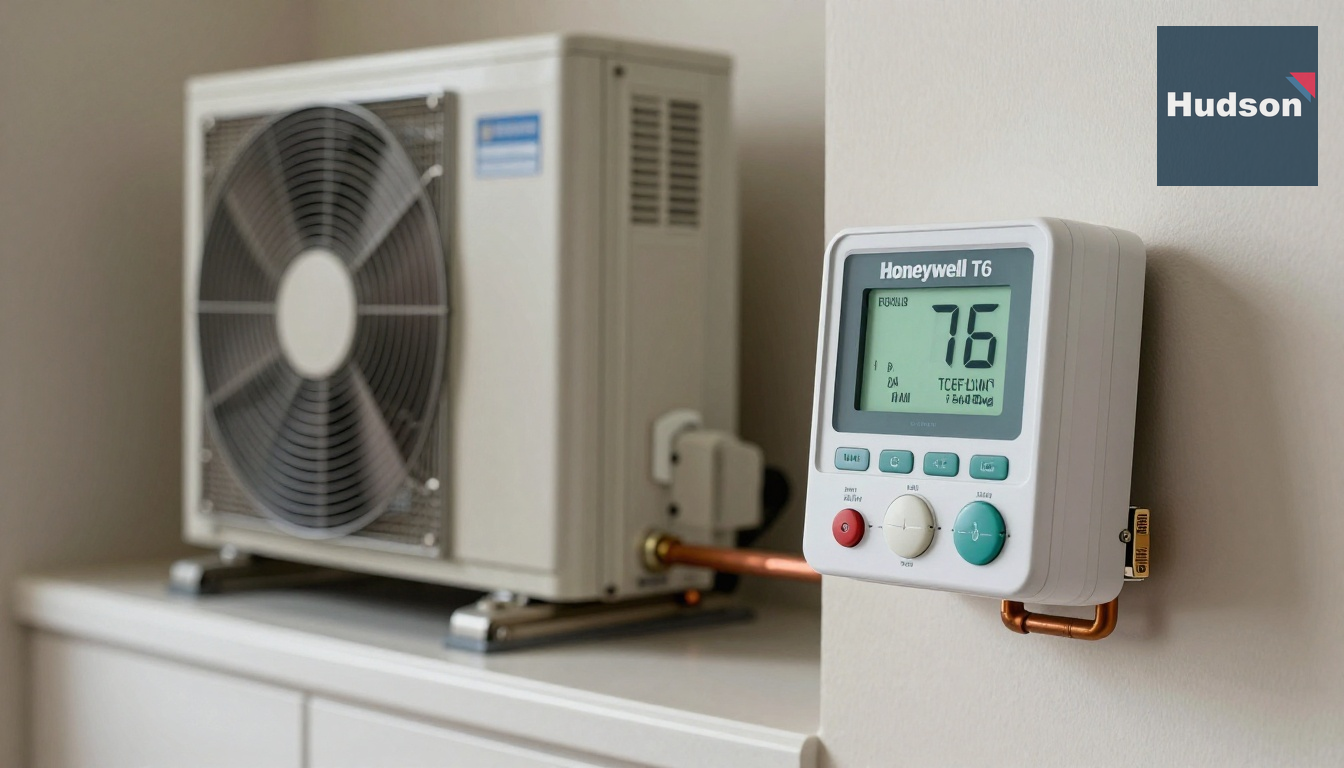
Honeywell T6 Pro Thermostat: Complete Condo Setup & Troubleshooting Guide
Quick summary: The Honeywell T6 Pro thermostat is a popular choice for Toronto condo residents seeking precise climate control. This guide covers setup, troubleshooting, and optimal use during the city’s hot summers.
The fast diagnosis / What’s going on
When your condo’s cooling isn’t performing as expected, especially during Toronto’s heatwaves, the thermostat is often the first place to check. The Honeywell T6 Pro is known for its user-friendly interface and reliable performance, but issues can arise from incorrect settings or environmental factors unique to condos.
Common causes / Why this happens
The T6 Pro thermostat issues typically stem from a few common causes. Incorrect setup is a frequent culprit, especially if you have just moved in or had recent maintenance. Condos in areas like Mississauga and Vaughan often experience power fluctuations that can affect thermostat performance. Additionally, the high humidity during Toronto summers can cause condensation within the thermostat, leading to malfunctions.
What you can do right now / DIY safe steps
- Check the Mode: Ensure your thermostat is set to ‘Cool’ and the fan is on ‘Auto’ or ‘On.’
- Verify the Schedule: Access the schedule settings by pressing the menu, selecting ‘Schedule,’ and reviewing time and temperature settings to avoid conflicts.
- Inspect the Wiring: Carefully remove the thermostat cover and ensure all wires are securely connected to the correct terminals. Reference the installation guide if needed.
- Reset the Thermostat: A factory reset can resolve many issues. Go to ‘Menu’ > ‘Advanced Settings’ > ‘Reset’ and follow the prompts.
When to call a professional / Signs you need help
If your thermostat remains unresponsive after DIY attempts, it could indicate deeper issues like wiring problems or a defective unit. Condos in older buildings, such as those in North York, often have outdated wiring that requires professional attention. Also, frequent blank screens or unexpected temperature swings suggest it’s time to contact a professional.
What to expect from a service visit / Typical timeline and process
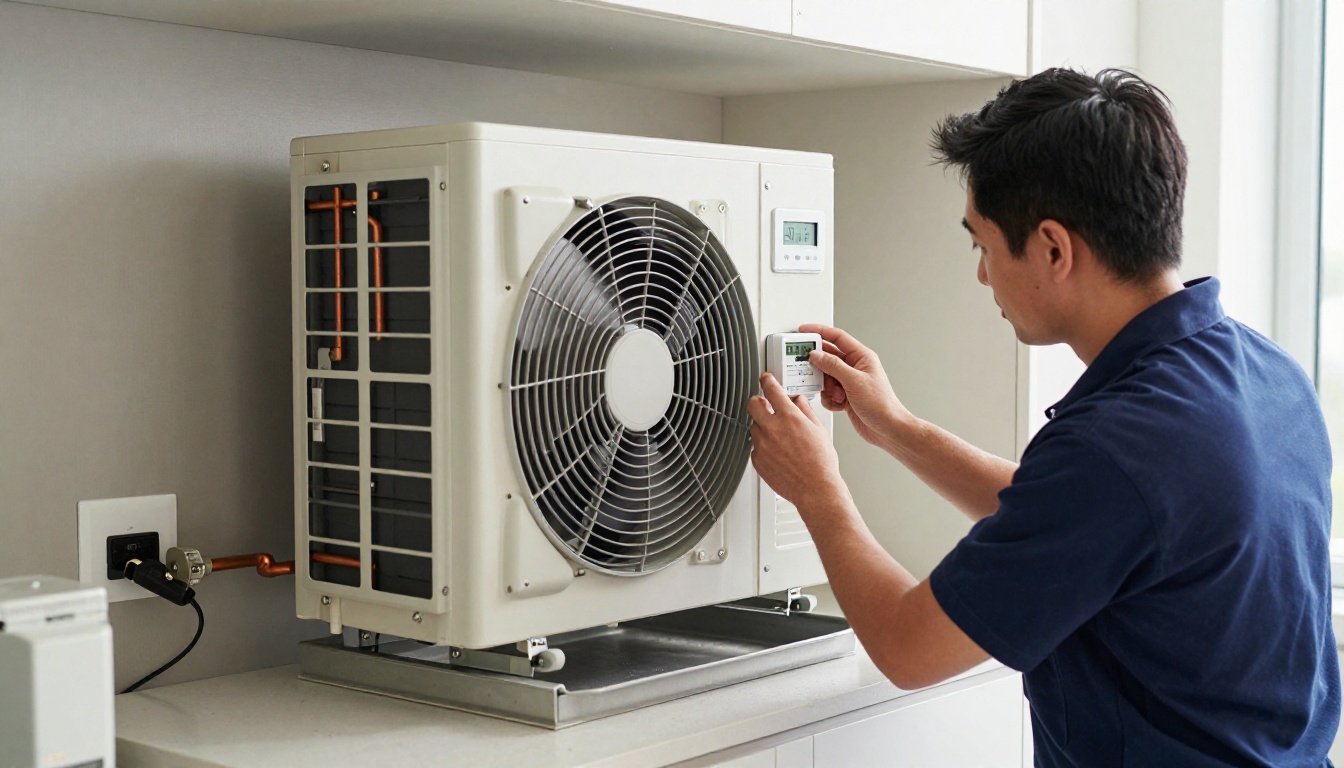
A standard service visit for thermostat issues usually takes about 1-2 hours. A Hudson technician will assess the thermostat setup, check wiring connections, and ensure your HVAC system is responding correctly. Advanced diagnostics may involve checking for software updates or replacing faulty components.
Cost factors with real ranges
The cost for professional thermostat troubleshooting in Toronto typically ranges from $150 to $300, depending on the complexity of the issue and the need for replacement parts. For instance, replacing a faulty thermostat can add $200-$350, including parts and labor.
FAQs
Why isn’t my Honeywell T6 Pro thermostat cooling?
Check if the thermostat is set to ‘cool’ and the temperature is lower than the room temperature. Verify that the fan is on auto or on mode, and ensure that there is no schedule conflict. If issues persist, it might be due to wiring or HVAC system faults, requiring professional service.
How do I set up a schedule on my T6 Pro thermostat?
Enter the main menu by pressing the menu button, select ‘schedule,’ and choose ‘create schedule’ or ’edit schedule.’ Customize your weekdays and weekends by setting desired temperatures at different times. Ensure to save the settings by confirming the changes.
What is the recommended temperature setting for condos during a Toronto summer?
For optimal energy efficiency and comfort, set your thermostat to 24°C (75°F) when home and adjust to 26°C (78°F) when away. This balances comfort with energy savings, especially during heatwaves in the GTA.
Why does my thermostat screen go blank?
A blank screen can indicate a power issue. Check if the thermostat is properly connected to power or if a circuit breaker has tripped. If battery-operated, replace the batteries. Persistent issues might require professional inspection for wiring faults.
Can I control my Honeywell T6 Pro remotely?
Yes, the T6 Pro supports remote control through the Honeywell Home app. Ensure your thermostat is connected to Wi-Fi and download the Honeywell Home app on your smartphone to adjust settings from anywhere.
Next steps / Call to action
If your Honeywell T6 Pro thermostat hasn’t been serviced recently or if you’re experiencing persistent issues, it’s wise to schedule a professional maintenance check. Hudson HVAC offers comprehensive thermostat services to ensure your condo remains comfortable during the peak of summer.
Contact Hudson
For expert thermostat setup and troubleshooting, Contact Us or call us at +1 (437) 448-0640. Our team is ready to assist you with all your HVAC needs this summer.
Email: service@hudsonhvac.ca